Bulk screenshot thousands of URLs
Upload a CSV with one URL or ten thousand. PeekShot captures every page, applies schedules per row, and builds your archive in one run.
Try for freePeekShot features
Bulk screenshot, schedule on autopilot, monitor changes, and keep a timestamped web archive. Every control marketers need, without asking engineering for help.
100 free credits · No credit card · 2-minute setup
From bulk CSV import to change alerts. Set it up once and PeekShot keeps your web archive current.
Upload a CSV with one URL or ten thousand. PeekShot captures every page, applies schedules per row, and builds your archive in one run.
Try for freeDaily, weekly, or monthly. Pick a cadence and PeekShot runs in the background. On-demand captures are one click when you need them now.
Try for freeCapture frequency
Every screenshot covers the entire scroll length, not just the viewport. Cookie banners and overlays can be stripped automatically before capture.
Try for freeDesktop, tablet, and mobile presets, or set an exact custom viewport per URL or batch. See how pages look across the devices that matter.
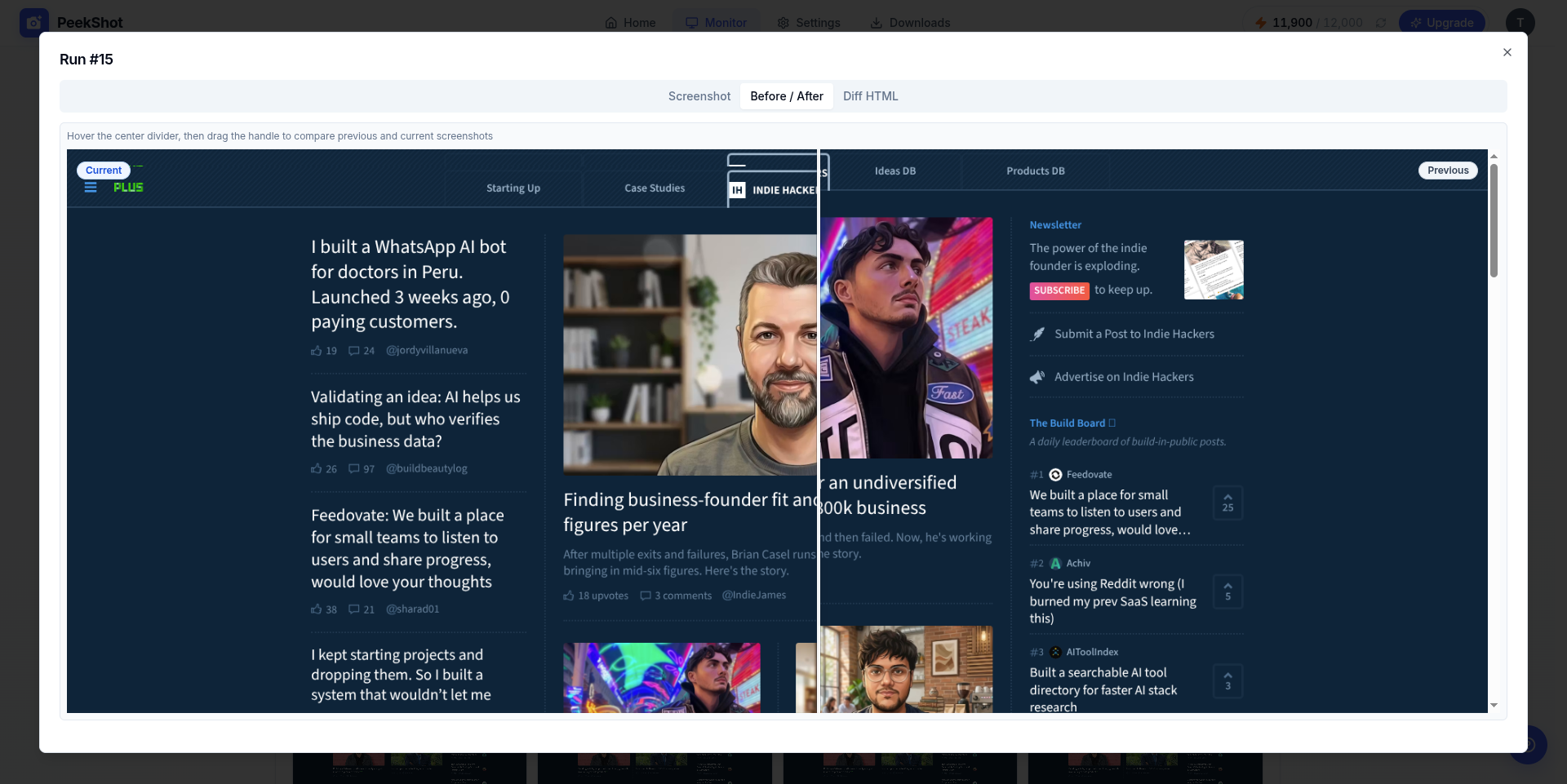
Try for freeRe-capture on a schedule and get notified when visuals, content, or SEO metadata shift. Before/after sliders and highlighted diffs make changes obvious.
Learn more
Every capture is saved with a date and URL. Nothing gets overwritten. Keep history for campaigns, competitors, and compliance proof.
Try for freeDownload CSV or ZIP batches, or sync captures to S3, Google Drive, and Dropbox.
Try for freeExport destination
Email alerts when a scheduled capture finishes or a monitored page changes, so you know PeekShot is working without checking the dashboard.
Try for freeacme.com/pricing · content update detected
Daily run finished · 42 pages
Trigger captures, pull your archive, or get pinged the instant a monitored page changes. Wire PeekShot into the tools you already run.
Learn morecurl --location \
'https://api.peekshot.com/api/v1/screenshots' \
--header 'x-api-key: your-api-key' \
--header 'Content-Type: application/json' \
--data '{
"project_id": "1",
"url": "https://example.com",
"width": "1680",
"height": "867",
"file_type": "jpeg",
"retina": "true",
"full_page": "false"
}' Advanced options when you need precision: cookies, headers, devices, and clean captures, all from the dashboard.
Schedule at the hour that matches your reporting cadence, not just a vague daily window.
Pass auth tokens, language, and user-agent headers so pages render exactly as you need.
Capture pages behind a login or paywall exactly as a signed-in user sees them.
Cookie banners and overlays are detected and stripped automatically for a clean archive.
Desktop, tablet, mobile, or a custom pixel size per URL. Responsive proof in every capture.
Push every capture to S3-compatible storage, Google Drive, or Dropbox automatically.
Filter by URL or date. Jump to any past version without digging through folders.
Monitor title tags, meta descriptions, and canonical URLs alongside visual diffs.
Trusted by 500+ teams
Set up bulk screenshots and your web archive in minutes. No credit card required. See pricing.
Try for free100 free credits to start